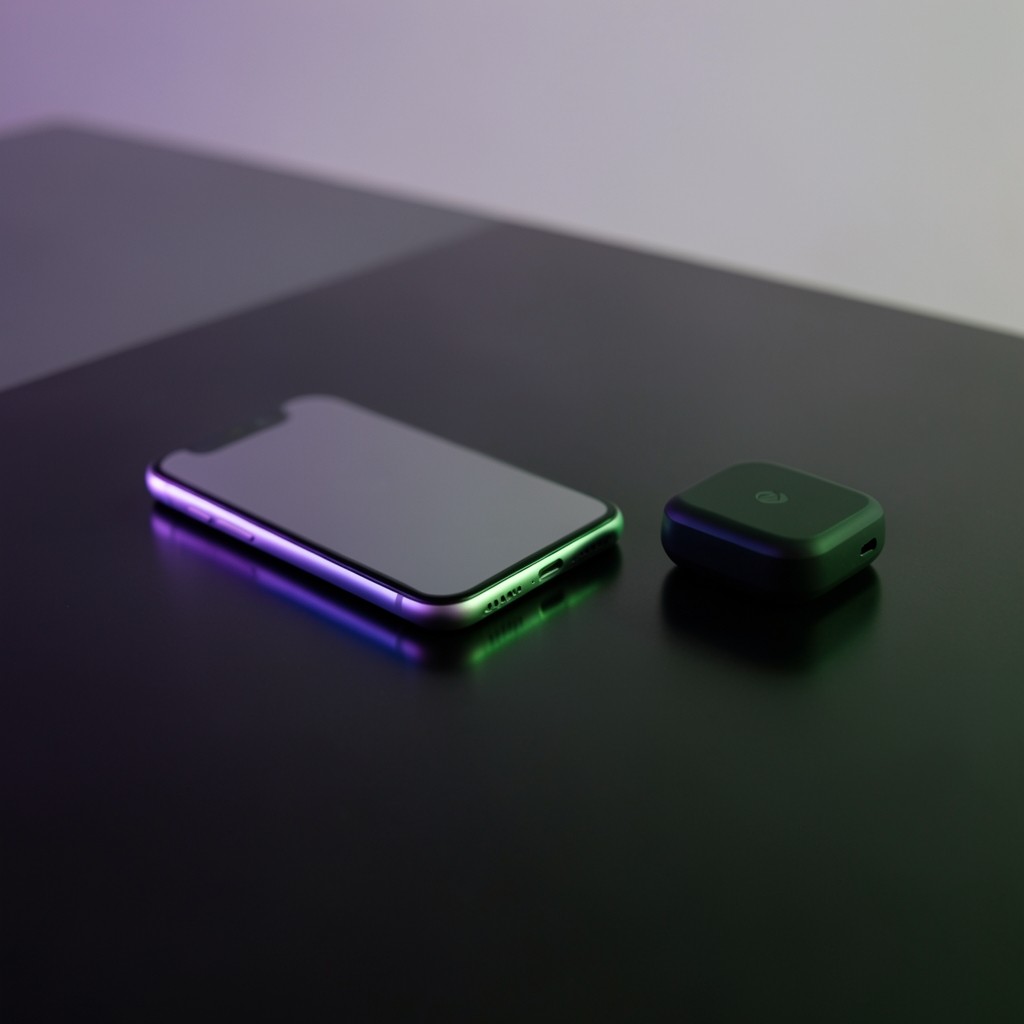
Before you create a wallet, it helps to know what category you are choosing. All wallets do the same fundamental job — hold keys and sign transactions — but they differ in convenience and security.
Browser extension wallets
Examples include Phantom and Solflare as browser plugins. They are convenient for interacting with websites that connect to your wallet. The private key is encrypted and stored on your computer. Risk: malicious browser extensions or phishing sites can request signatures for harmful transactions.
Best for: Regular interaction with Solana applications from a desktop.
Mobile wallets
Apps on iOS or Android let you send and receive on the go. Some support QR scanning for addresses. Security depends on your phone’s overall hygiene — screen locks, OS updates, and avoiding sideloaded apps.
Best for: Everyday transfers and monitoring balances.
Hardware wallets
Devices like Ledger store keys offline. You confirm transactions on the device screen. Even if your computer is compromised, an attacker cannot sign without physical access and your PIN.
Best for: Holding larger amounts or long-term storage. Less convenient for frequent app interaction.
Custodial vs self-custody
Exchange accounts where the exchange holds your keys are custodial — you trust the company. Self-custody wallets put you in full control and full responsibility. This library teaches self-custody because that is where most losses occur due to user error.
Paper and steel backups
Your seed phrase should be written on paper or stamped into metal, stored securely offline. Never store it in cloud notes, email, or photos.
Continue with seed phrase safety or book our wallet security workshop.